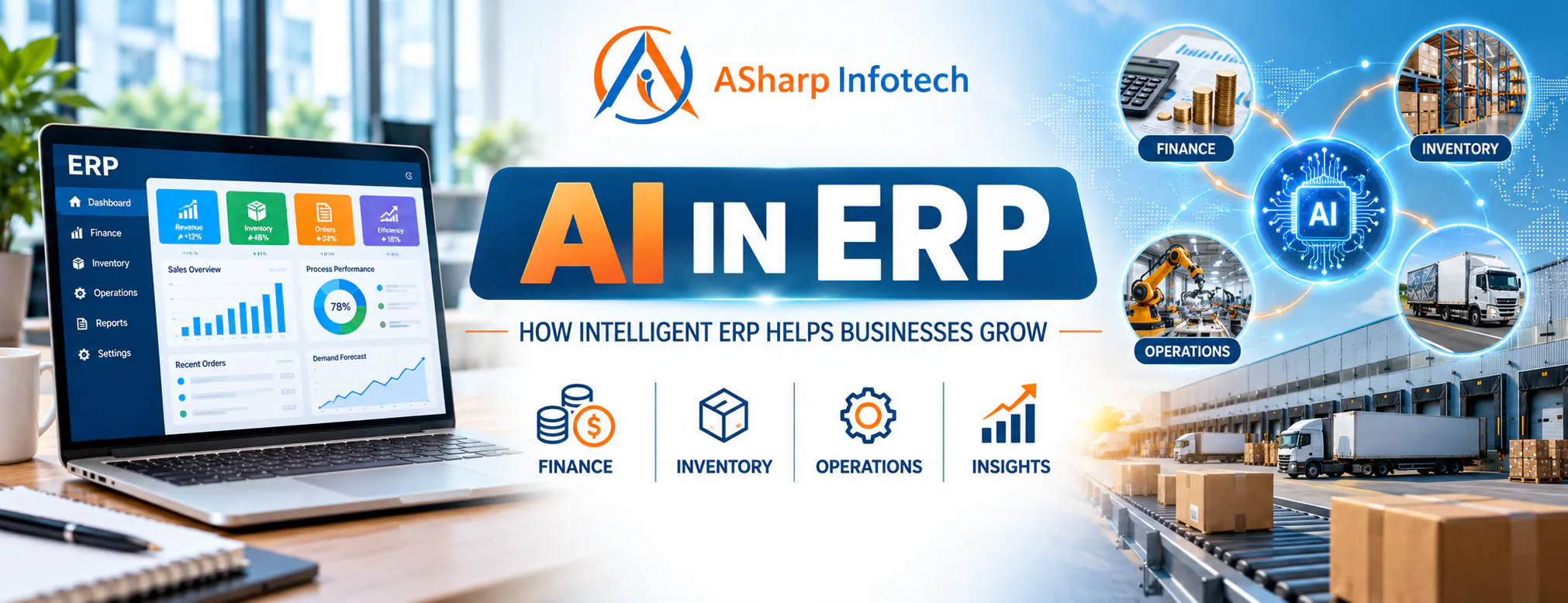
Most of our clients don't have a data problem. They have a "where is it?" problem. Sales sit in one register, stock in an Excel sheet, purchases in another system, and the accountant has his own version of the truth in Tally. An ERP pulls all of that into one place. AI in ERP is what you add once it's there, so the system can start pointing out things you would otherwise find too late.
In practice, that means small, useful things. A warning that a SKU will run out before the next purchase order lands. A flag on an expense that is three times what that vendor usually bills. A note that an order is likely to miss its delivery date while there's still time to do something about it. That is what AI-powered ERP software looks like on a normal working day.
When business owners ask us about AI, many of them picture a chatbot. Honestly, a chatbot is rarely the first thing they need. The requests we actually get are more down to earth: forecast next month's demand, catch wrong entries, tell me which dealer should get this order, give me a two-line summary every morning.
At ASharp Infotech we have spent over eight years building custom ERPs and CRMs for manufacturers, herbal and Ayurvedic brands, distributors and manpower companies. Below is what we've learnt about where ERP automation and AI genuinely help, and where they don't.
What Changes When AI Is Added to ERP?
A regular ERP is a very good record-keeper. It tells you what was purchased, sold, produced, dispatched and paid. Deciding what to do with that information is still somebody's job, usually the owner's, late in the evening.
An intelligent ERP system takes on part of that thinking. It looks at past data, learns what "normal" looks like for your business, and raises a hand when something drifts. One of our manufacturing clients makes corrugated boxes. For them, we built a delivery risk engine that looks at each open order and predicts whether it is likely to be delayed or short on material. The production head now sees the risky orders at the top of his screen each morning, instead of hearing about them from an angry customer.
The system still doesn't make the call. It shows the risk and the reason behind it, and the production head decides whether to reschedule, buy material or call the customer.
Practical Uses of AI Inside an ERP
Smarter Inventory Planning
Forecast demand from your own sales history, spot slow movers early and get reorder suggestions that account for supplier lead times.
Early Exception Detection
Catch odd expenses, duplicate-looking entries, sudden price jumps and approvals that have been sitting for too long.
Clearer Management Insights
Ask a question in plain language and get the answer from your own data, without waiting for someone to build a report.
What works depends heavily on the business. For an Ayurvedic brand we have worked with for close to eight years, we added predictive analytics in ERP in the form of a sales forecasting model trained on their own order history. It picks up seasonal swings that a flat monthly average would miss, which matters a lot when certain products sell far more in winter than in summer.
For a herbal products distributor, the most useful AI feature turned out to be something no one would put in a brochure. Incoming orders are automatically assigned to the right dealer based on the delivery pincode. Earlier, a staff member did this by hand, and orders sometimes sat unassigned for hours. Now it happens the moment the order comes in, which is AI inventory management and order routing working together.
The same Ayurvedic client also uses an AI copilot inside their CRM. Managers type questions like "which products sold less this month than last month?" and the system converts the question into a database query and shows the result. No one has to wait for the IT person to build a new report.
How AI Can Improve Everyday ERP Decisions
Faster reports are nice to have. The bigger gain is that people start their day with the few things that actually need their attention.
- Faster decisions: The owner opens the dashboard and sees five flagged items, instead of scrolling through fifty rows to find them.
- Better demand planning: Forecasts built on your own sales, seasons and open orders are far more reliable than last month's figure plus a guess.
- Stronger inventory control: Slow-moving and fast-depleting products surface on their own, before dead stock or a stock-out costs you money.
- Less manual analysis: ERP data analytics does the first round of sorting and summarising, so managers spend their time acting on the numbers rather than compiling them.
- Earlier warnings: An odd transaction gets flagged the day it is entered, not at month-end closing when it is harder to fix.
- Better process visibility: You can see which approval stage or department is holding things up, with dates attached.
AI Makes ERP Automation More Flexible
Classic ERP automation runs on fixed rules. Alert me when stock drops below 100 units. Remind me when an invoice is pending for more than five days. These rules are simple, and they work well until the business changes.
A reorder level of 100 might be fine in June and badly wrong in October, when festive demand doubles. The rule doesn't know that. A model trained on your past sales does.
Here is something from our own work that we think gets overlooked: rules and AI are not competitors. When we built the delivery risk engine for the box manufacturer, there wasn't enough history at the start for the model to be reliable. So the system began with plain business rules and switched to the trained model once enough data had built up. The client got value from week one instead of waiting months for "the AI" to be ready.
That mix of clear rules and AI suggestions is what makes business process automation both dependable and flexible.
AI Is Only as Reliable as Your ERP Data
This is the part most AI articles skip, and it is where most AI projects actually fail. If purchase entries are missing, sales are entered weeks late, or stock transfers never reach the system, the model will confidently forecast a business that doesn't exist.
Small gaps cause surprisingly big problems. On one CRM we maintain, a single missing date field was quietly keeping some orders out of the reports. Nobody noticed for a while because nothing crashed. The numbers were simply a little lower than reality. Feed that into a forecast and you under-order every month without knowing why.
Another example: while moving a manpower company's accounts into a new double-entry ledger module, we found over a hundred ledgers that had never been assigned to any account group. Every report built on top of them would have been wrong. Before any AI could touch that data, someone had to sit down and classify them properly.
So before introducing AI in ERP, clean up your master data. Use one name per product and one code per supplier, decide who owns which records, and make sure entries happen on time. Good ERP data analytics starts with boring, disciplined data entry.
A Practical Roadmap for Implementing AI in ERP
| Stage | What You Do | What You Get |
|---|---|---|
| 1. Data Readiness | Fix master data, remove duplicates and make sure entries are made on time | Data you can actually trust |
| 2. Pick One Problem | Choose one repeated decision that costs real time or money | A small pilot with a clear goal |
| 3. Start With Rules | Run simple business rules while the model collects enough history | Value from the first week |
| 4. Human Review | Let the right person approve, reject or edit each suggestion | Safer adoption and useful feedback |
| 5. Measure, Then Expand | Track accuracy and time saved, then add the next use case | Growth based on proof, not hype |
You don't need an "AI-powered ERP" on day one. In our experience, the clients who get the most out of AI are the ones who start with a single, annoying problem, such as late deliveries, manual order assignment or month-end surprises, and fix that first.
Once the team trusts that first feature and uses it every day, the next one is an easy conversation.
Why Custom ERP Development Matters
Two companies in the same industry rarely work the same way. One herbal brand sells mostly online and ships through courier partners. Another sells through a dealer network spread across states. Their ERPs need different data, and so do their AI features.
With custom ERP development, workflows, roles, reports and the database itself are designed around how the business really runs. That is exactly why AI can be added later without a rebuild. The data it needs is already being captured in the right shape.
From our own projects: the box manufacturer needed delivery risk prediction and material planning. The distributor needed automatic dealer assignment. The manpower company needed clean ledgers and payroll before anything else. None of these would have come out of a standard off-the-shelf package.
So the right AI feature for you is simply the one that makes an important, repeated decision faster or more accurate.
Keep People in Control
ERP decisions touch money, salaries, stock and customer commitments. Any AI suggestion in these areas should show its reasoning, respect user permissions and go through the right person for approval.
We build guardrails into the system itself instead of relying on good intentions. For example, the AI copilot we built for the Ayurvedic brand connects to the database through a read-only account. It can answer any question about the data, but it technically cannot change or delete a single record, even if someone asks it to.
Beyond that, the business should decide clearly what the intelligent ERP system may suggest and what always needs human sign-off. Audit logs should record who accepted, rejected or changed each recommendation, and users should only see the data their role requires.
AI should help your team make better decisions. The responsibility for those decisions stays with people.
Ready to Make Your ERP More Intelligent?
Tell us the one decision that eats up most of your team's time. We'll tell you honestly whether AI can help, or whether a simple rule will do the job.
Discuss Your ERPFinal Thought
AI in ERP works best as a layer on top of good processes and clean data. With those in place, it helps you spot problems earlier, plan stock more accurately and spend less time digging through reports.
If you are thinking about it for your business, skip "where can we add AI?" and start with a more useful question: which decision do we make every week that keeps going wrong, or takes far too long?
Whatever your answer is, that's where your AI-powered ERP system should begin.
Share this article: